Renting a GPU to Run an Open-Weight LLM
Comparing raw GPU inference on RunPod with commercial AI APIs.

Until recently, I had only used language models through commercial APIs. When I got curious about running an open-weight model myself, my first thought was to buy a maxed out Mac Studio, but spending several thousand dollars just to satisfy my curiosity didn’t make much sense, so I rented a cloud GPU instead.
I wanted to see how running inference on a raw GPU compares to using an API, what it costs, and whether it’s worth the effort.
Getting a model running without buying hardware
I used RunPod so I could rent an NVIDIA GPU by the hour without managing a physical machine. I looked at cheaper cards first, including the RTX A5000 and RTX 3090, but availability pushed me to an NVIDIA RTX A6000 with 48 GB of VRAM in RunPod’s EU-SE-1 Secure Cloud. In October 2026, that GPU rented for $0.59/hour.
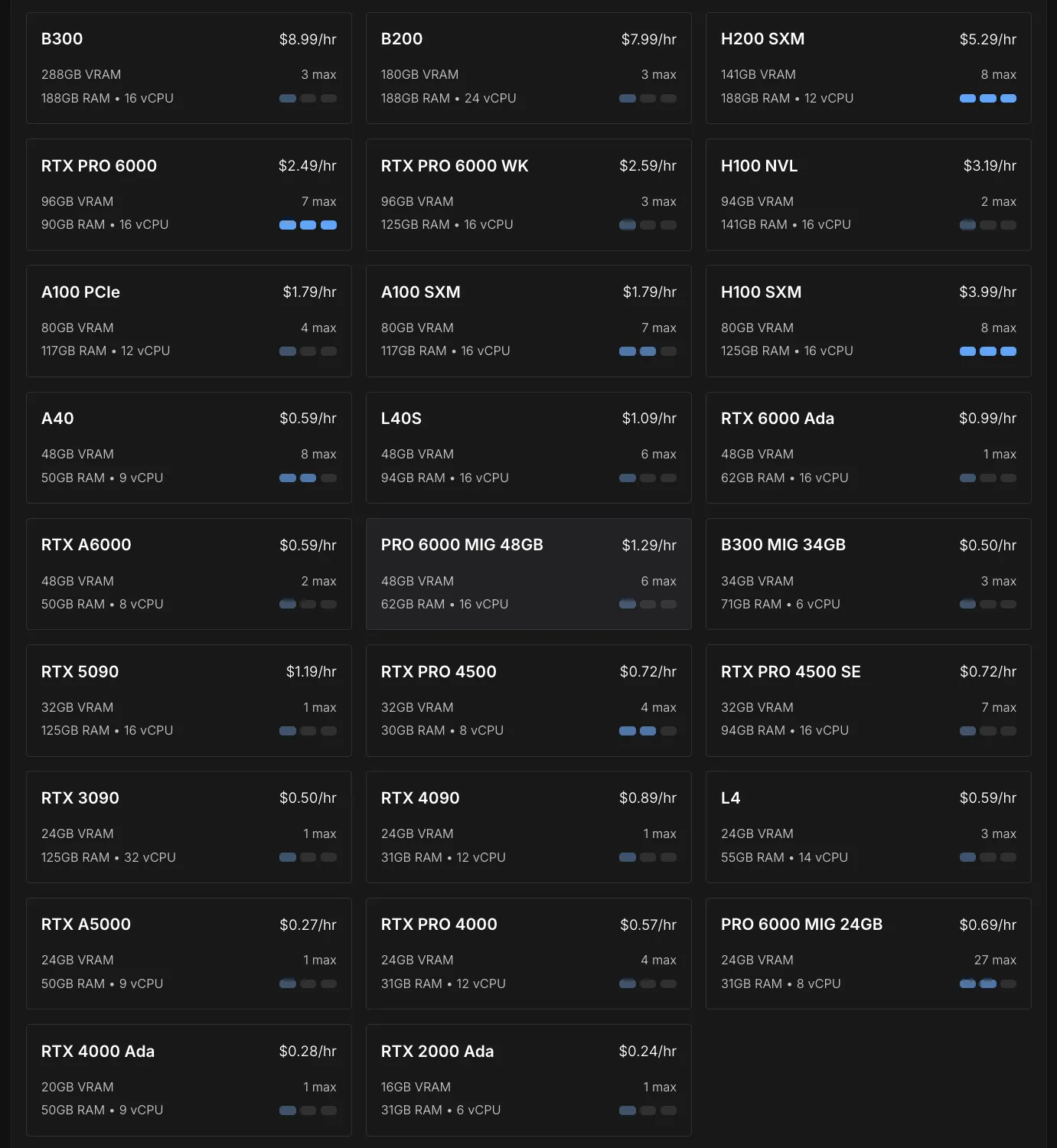
I had already installed RunPod’s official skills for Pi, my coding agent, yet I deliberately did the first deployment by hand. I wanted to click through the template and understand the moving parts before handing anything off.
I picked RunPod’s vLLM Latest template (vllm/vllm-openai:latest, which ran vLLM 0.31.0 at the time) and deployed Qwen/Qwen3-8B with a 5 GB container disk and a separate volume mounted at /workspace for the model cache. If you try this now, pin a specific vLLM version tag rather than latest, which changes over time.
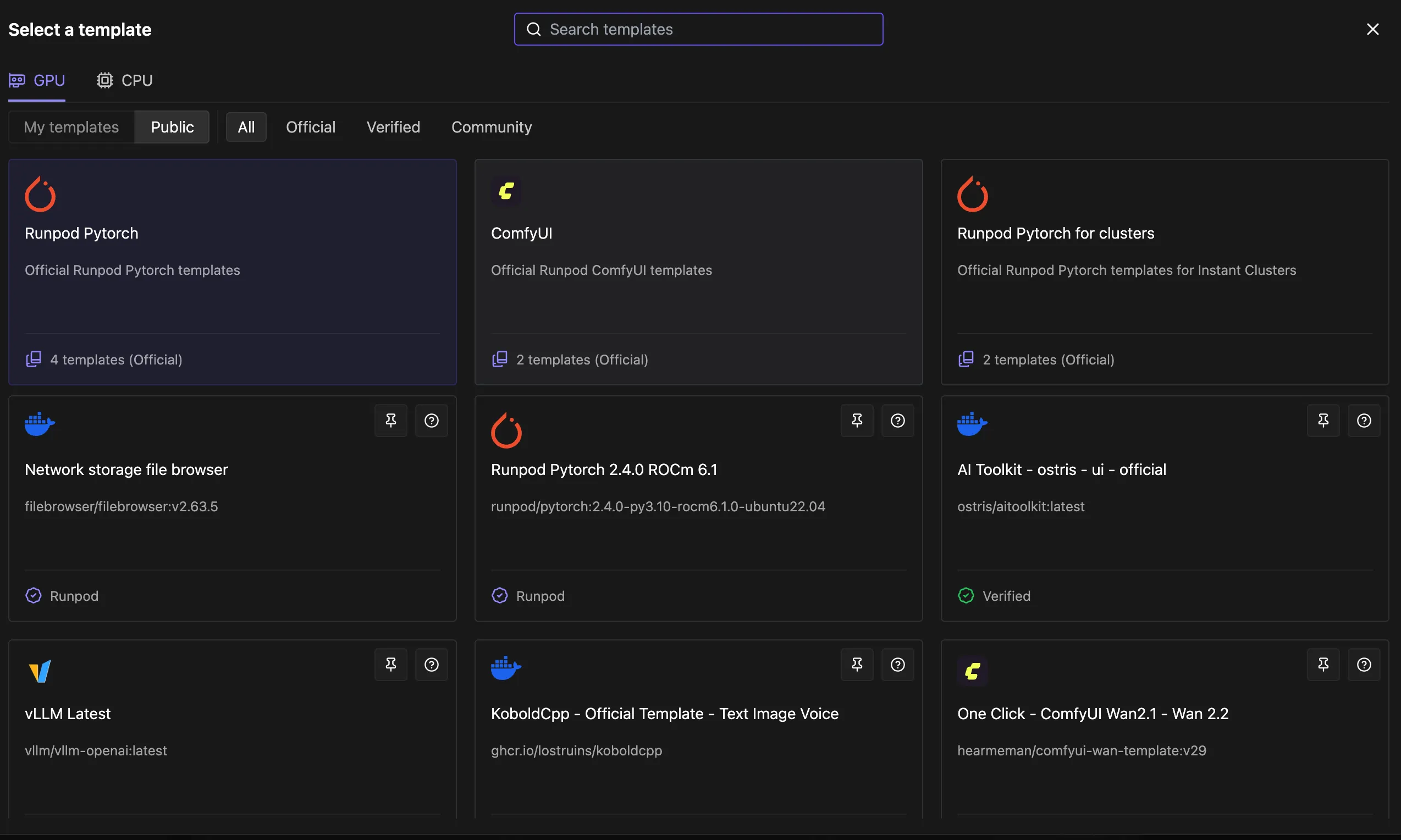
Here’s the effective launch command from my running pod (with VLLM_API_KEY set in the container environment):
vllm serve Qwen/Qwen3-8B \
  --host 0.0.0.0 \
  --port 8000 \
  --dtype auto \
  --enforce-eager \
  --gpu-memory-utilization 0.95 \
  --max-model-len 8128
A couple of template defaults here affect performance: --enforce-eager disables CUDA graphs (trading some small-batch decode speed for faster startup), and --max-model-len 8128 caps context well below Qwen3-8B’s native 32K window.
Right after the model loaded, nvidia-smi showed about 46 GB of the 48 GB VRAM allocated while GPU compute utilization sat at 0%. That’s --gpu-memory-utilization 0.95 reserving VRAM upfront for model weights and the KV cache. Allocated GPU memory doesn’t mean the card is actively running inference.
Exposing port 8000 as an HTTP port gives you a RunPod proxy URL (https://<pod-id>-8000.proxy.runpod.net), with vLLM’s OpenAI-compatible API under /v1. Setting VLLM_API_KEY (or --api-key) gates /v1 requests, though the vLLM security docs note it doesn’t authenticate every route on the server, so don’t rely on it alone for a public deployment.
Once the endpoint came up, I hit it from my Mac mini over the HTTPS proxy instead of working inside SSH. Here’s the streaming request shape I used:
curl --no-buffer "${VLLM_BASE_URL%/}/chat/completions" \
  -H "Authorization: Bearer ${VLLM_API_KEY}" \
  -H "Content-Type: application/json" \
  -d '{
    "model": "Qwen/Qwen3-8B",
    "messages": [{"role": "user", "content": "Count upward from 1, separated by spaces."}],
    "max_tokens": 256,
    "temperature": 0,
    "seed": 0,
    "stream": true,
    "stream_options": {"include_usage": true},
    "chat_template_kwargs": {"enable_thinking": false}
  }'
stream_options.include_usage tells vLLM to include token counts at the end of the stream, and enable_thinking: false disables Qwen3’s reasoning mode. My first manual non-streaming test returned 224 tokens in about 7.1 seconds; turning on streaming brought the first byte back in about 0.89 seconds (including the proxy round-trip to Sweden).
One user leaves most of the GPU idle
To figure out what a rented GPU costs per token, you need to know how much work it can handle at once. Once curl confirmed the endpoint worked, I had Pi write a small Python script on my Mac mini to measure throughput under load.
On a single request with a short prompt, Qwen3-8B decoded at roughly 41 to 42 tokens/s after the first token. That feels snappy, though one request leaves most of the card unused. Here’s what happened when I sent one, two, and four requests at the same time:
At four concurrent requests, combined output jumped from 36.1 to 122.1 tokens/s (3.38x). In exchange, individual requests slowed down by about 20%: median latency went from 3.54 to 4.24 seconds, and per-request decoding dropped from 41.6 to 33.2 tokens/s. I stopped at concurrency 4 even though throughput was still climbing on a 48 GB card, so a tuned server handling heavier traffic could push output higher. Still, for a single developer sending one prompt at a time, you’re paying for far more throughput than you use.
What it costs
With a rented GPU, you pay for time, not tokens. At $0.59/hour ($14.16/day, or $424.80/month), the meter runs whether the model is generating output or sitting idle. As idle time grows, the effective cost per million output tokens climbs fast:
To make a rented GPU pay for itself against commercial APIs, you have to keep the card busy. Comparing the same 39-input / 128-output request against October 2026 standard API list prices:
- Low-cost APIs ($0.10/M input, $0.50/M output, such as GPT-6 Luna or Claude Haiku 5.5): at my tested concurrency-4 rate and 100% busy time, the rented A6000 is still roughly 2.5x more expensive per request.
- Mid-tier APIs ($2.00/M input, $10.00/M output, such as GPT-6.1 Sol or Claude Sonnet 5.5): breaking even on the $0.59/hour GPU alone takes roughly 430 of these short requests every hour (over 10,000 a day): about 13% busy time at concurrency 4, or 43% running one request at a time.
Higher concurrency or input-heavy coding prompts would shift those numbers, and this math only compares raw token counts, not model quality. Reaching break-even against mid-tier pricing still leaves you with an 8B open-weight model rather than a frontier model from Anthropic, OpenAI, or Google.
Across my full 69-request benchmark run (about 167 seconds, including warm-ups and separate output and prompt sweeps), GPU time came to roughly $0.027. The pod stayed up for 94 minutes across setup and testing, which works out to roughly $0.93 at $0.59/hour plus $0.001/hour for the container disk (before any charge for the separate /workspace volume).
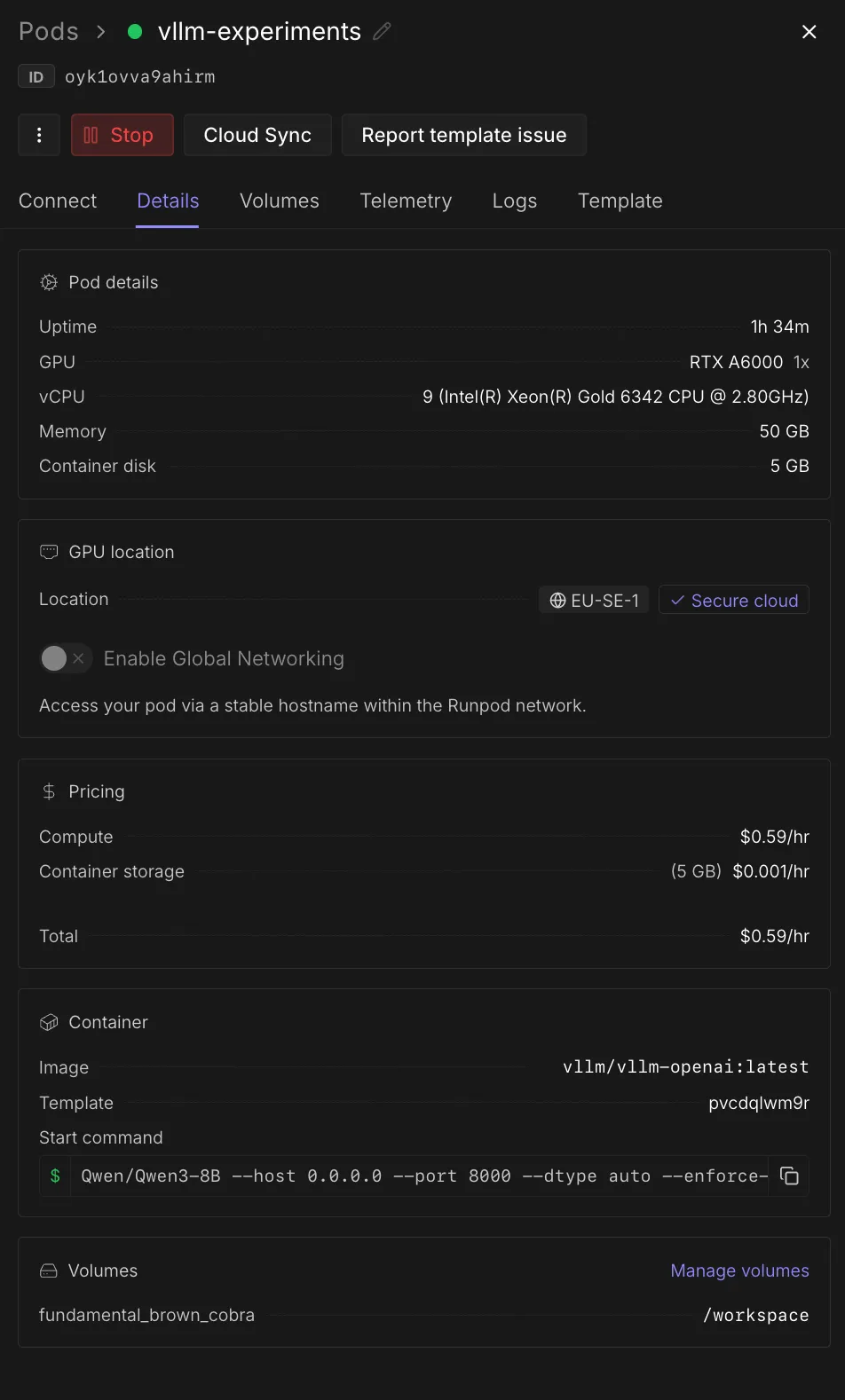
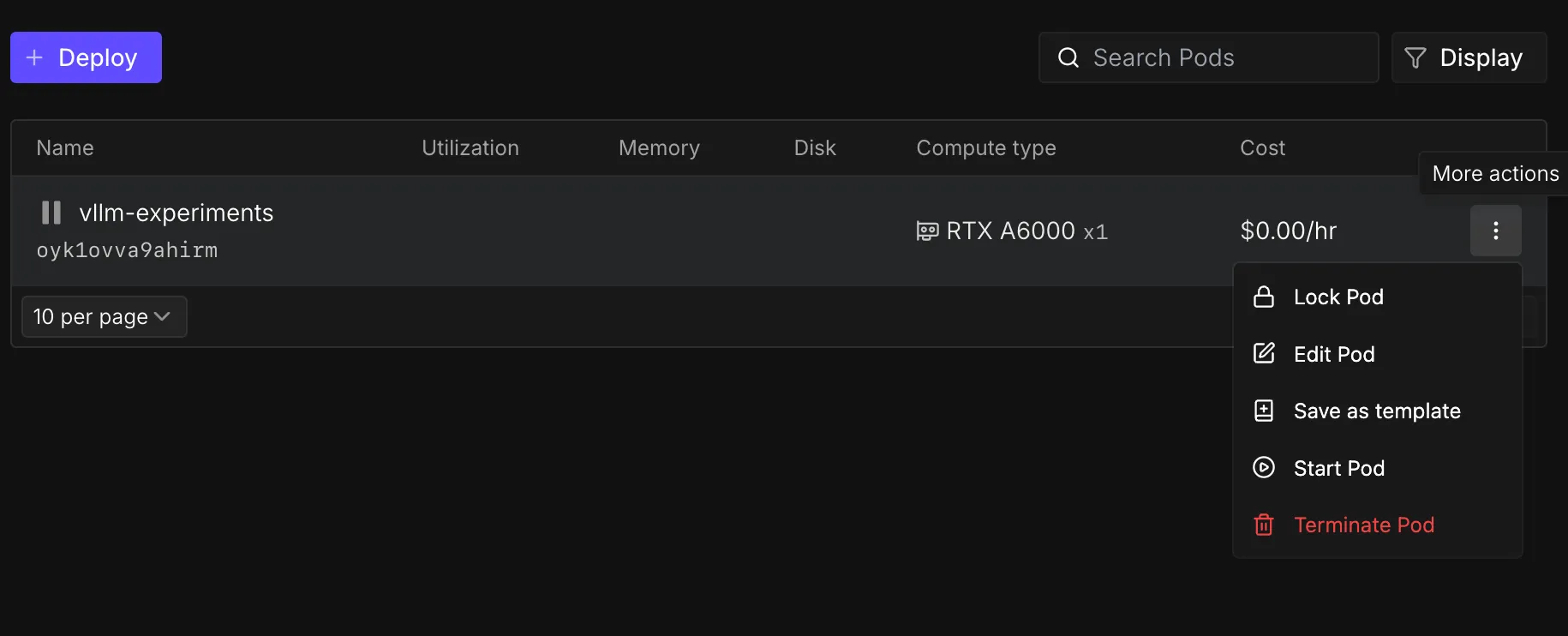
When you’re done, stopping a RunPod pod halts the hourly GPU charge, but storage billing continues until you terminate the pod. If you attached a separate network or global volume at /workspace, delete that volume too, since terminating a pod only detaches it.
Is it worth the effort?
As a way to learn without dropping thousands of dollars on a Mac Studio, yes. Getting a model running on RunPod only took a few minutes, and the main lessons still apply to local hardware. You see firsthand how model weights and the KV cache consume memory, what single-user speed feels like on an 8B model, and how much capacity sits idle when only one person is sending prompts. Spending a dollar on a rental lets you test those tradeoffs before buying hardware.
What I didn’t test is the bigger question for day-to-day work: is using open-weight models actually a good experience, and can they compete with frontier models from the big labs? Renting a GPU is great for learning how inference serving works, though if model quality is what you want to evaluate, a hosted router like OpenRouter or Vercel AI Gateway is a better way to try open-weight models on real coding tasks without managing a server at all.
If you’ve been eyeing local hardware just to experiment with open-weight models, I suggest renting a GPU for an hour or two first. You’ll learn how inference serving behaves for about a dollar before deciding whether to buy anything.